🎨 Fashion Basics in NGS – How the System Actually Works
Fashion in New Genesis is built around a few key slots:
For humanoid bodies (NGS Type 1/Type 2 and base PSO2 bodies) you have:
- Setwear / Totalwear – full outfits that fill multiple slots in one item
- Outerwear – coats/jackets layered on top
- Basewear – main clothing layer
- Innerwear – underwear/bodysuits, now often visible with the right settings and update changes
- Accessories – up to multiple accessory slots (horns, glasses, bags, wings, etc.)
- Body paint & stickers – tattoos, stockings, makeup, decals, etc.
On top of that you have:
- Weapon camos to match your outfits
- Motions (run, idle, jump, glide styles) and emotes/hand poses that you can change in the Beauty Salon or via emote settings
NGS also introduced Setwear and Totalwear as newer outfit types, alongside the classic layered system from base PSO2. Arks-Visiphone’s fashion portal breaks down categories like Setwear, Totalwear, Outerwear, Basewear, Innerwear and body parts for CASTs.
So when you’re planning a look, think in layers:
- Body type
- Outfit type (Setwear / Totalwear vs full layered)
- Accessories and body paint
- Motions and emotes
Get those four pieces working together, and your character will stand out instantly.
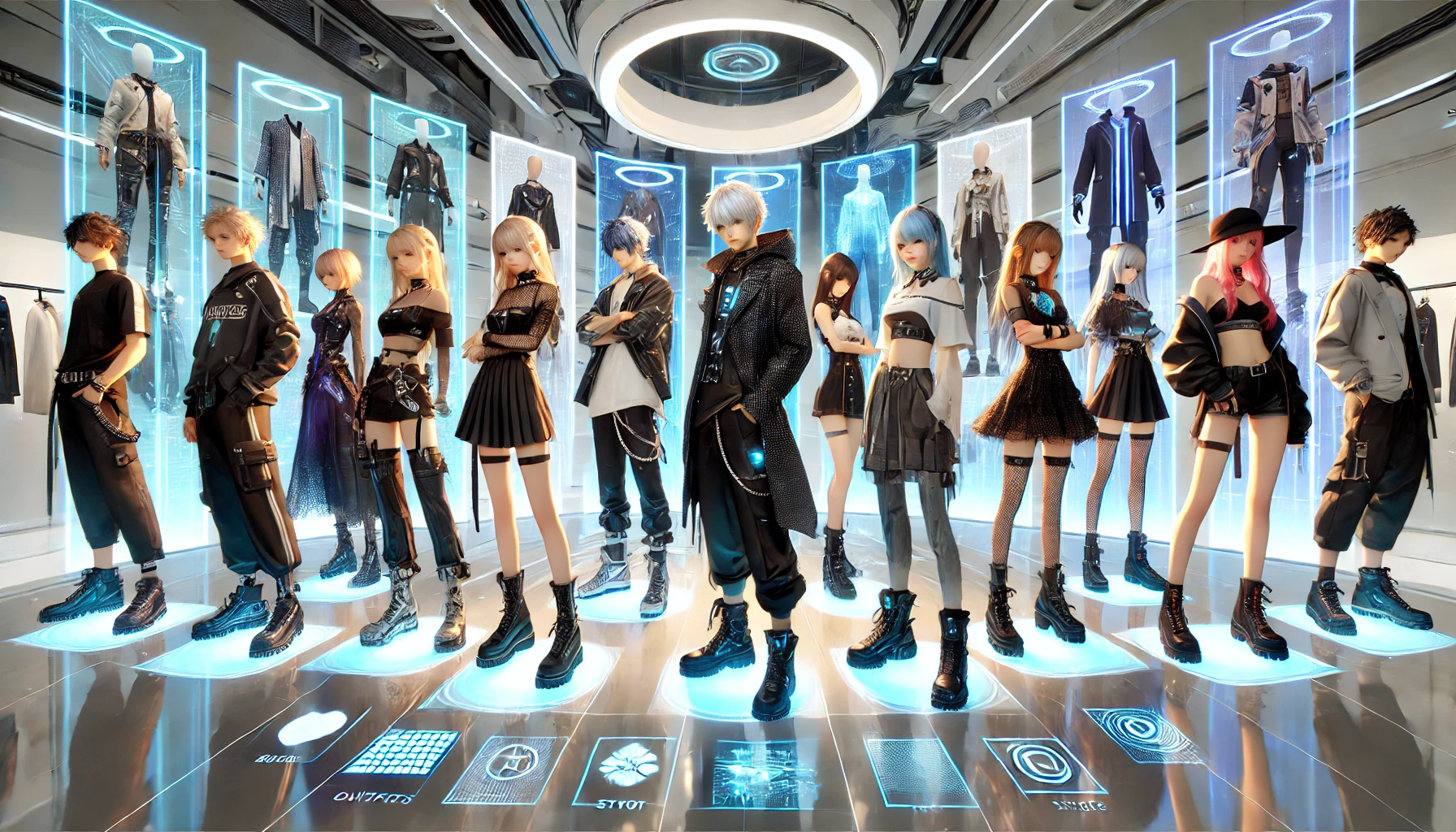
🧍 Body Types, NGS vs PSO2 Clothes & CAST Rules
Before you fall in love with a random outfit, you need to know who can wear what.
NGS vs base PSO2 bodies
Players can use:
- NGS Type 1 & Type 2 bodies (the newer models)
- Base PSO2 Type 1 & Type 2 humanoid bodies
- CAST bodies (robotic body parts)
And there are some rules:
- NGS clothing is for NGS humanoid models, base PSO2 clothing is for base PSO2 models. They’re not fully cross-compatible.
- Many base PSO2 outfits can’t be worn on NGS bodies at all unless you swap to a PSO2 body in the Salon.
- Some classic outfits got NGS-type remakes (as NGS Setwear), which are compatible with NGS bodies and can be recolored.
The Beauty Salon description also mentions that equipping certain outfits or layering wear can automatically convert your body type to match that outfit (e.g. a PSO2 outfit may force you onto the PSO2 body type while wearing it).
CAST specifics
CASTs are a bit different:
- They use body parts (head, arms, legs, core) instead of normal outfits in many cases.
- Colors use the older PSO2 color ticket system for CAST parts, regardless of whether the parts came from base PSO2 or NGS.
There are also fun edge cases where CAST heads on humanoid bodies can pull color data from CAST color settings.
Style tip:
If you love base PSO2 outfits, consider keeping one saved Look with a PSO2 body so you can swap back and forth. NGS bodies are better for newer fashion, but PSO2 outfits still have some amazing designs.
💇 Salon 101 – Mastering the Beauty Salon
The Beauty Salon is your fashion HQ:
- You enter it by talking to the Salon NPC in town or through certain menus.
- Here you can edit:
- Face & body shape
- Hairstyles/head parts
- Outfits & layering wear
- Accessories (position, size, rotation)
- Body paint, stickers
- Motions (run, idle, jump) and sometimes default emote variants
Color changes & passes
NGS added N-Color Change Passes that let you recolor certain NGS basewear, setwear and innerwear.
- Some items are color-variant items (e.g. “B” or “[In] C”) rather than recolorable.
- For recolorable NGS outfits, you can use:
- N-Color Change Passes (consumable)
- Sometimes free changes if specific conditions are met, as shown in Salon tips videos.
Community explanations clarify:
- Most NGS clothing on NGS models can be recolored with N-color tickets or SG.
- Most base PSO2 clothing cannot be recolored, unless they have NGS versions.
Saving Looks
The Customize Looks / Look registration features let you:
- Save complete fashion presets (outfits, accessories, even body) as Looks
- Quickly swap between them from the Look or fashion menus
Many players treat the Salon as the real endgame – entire videos are literally “Salon Tips & Tricks” focused only on getting the most out of fashion.
Practical advice:
Create at least 2–3 Looks:
- A “combat” look (clean, readable, not too many huge wings)
- A “fashion flex” look for screenshots
- Maybe a PSO2-body look if you like older outfits
You’ll swap between them way more than you think.
👗 Outfit Types – Setwear, Totalwear & Layered Fashion
NGS fashion categories, as listed on Arks-Visiphone:
- Setwear / Totalwear – full one-piece outfits that auto-handle base/outer/inner
- Outerwear – coats, jackets, cloaks
- Basewear – main clothing layer
- Innerwear – underwear/under-suits
- Body parts (CAST) – for robotic characters
Setwear & Totalwear
Setwear is usually 1 item that:
- Gives you an entire outfit
- Often has some options for color and Innerwear visibility
Recent updates added Totalwear, which is basically a full character skin: outfits, body paint, even character’s face and body (like transforming into story NPCs).
While wearing Totalwear:
- You can’t edit certain Creation settings
- You’re basically cosplaying that specific character model
These are perfect if you want plug-and-play looks without hours in Salon.
Layered wear (Outer/Base/Inner)
Layered wear gives you maximum creativity:
- Outerwear – long coats, jackets, ponchos, capes
- Basewear – dresses, jumpsuits, pants outfits, school uniforms, etc.
- Innerwear – underwear/bodysuits, sometimes used creatively with transparency
An older update allowed you to show Innerwear under certain Basewear/Setwear that previously hid it.
This means:
- You can have transparent or open jackets with visible Innerwear details
- Or minimalist Basewear with a bold Innerwear underneath for contrast
Layering tip:
Think about silhouette:
- Use Outerwear to give your character a strong outline (long coat, oversized jacket).
- Use Basewear + Innerwear to fill in details, patterns and colors.
- Avoid stacking super bulky Outerwear with giant accessories; it will look messy and clip everywhere.
🎭 Accessories, Emotes & Motions – The Real Drip
Clothes are only half the story. Accessories and motions give your character personality.
Accessories & body paint
Accessories in NGS include everything from chokers and glasses to giant wings and floating drones, with Arks-Visiphone listing hundreds of them across scratch banners and years.
In the Salon you can:
- Adjust position, scale and rotation of each accessory
- Stack multiple accessories (e.g. choker + scarf + headset + horns)
- Combine accessories with body paint (tattoos, stockings, scars) and stickers
Accessory tips:
- Limit big, loud accessories to 1–2 “statement pieces” per outfit.
- Use smaller details (earrings, chokers, bracelets) to tie your color palette together.
- Watch for clipping with long hair, CAST parts and big Outerwear.
Emotes & motions
NGS has a massive list of Emotes, many of which come from AC/SG scratch, shop bundles or campaigns.
You can:
- Change motions (idle, dash, glide, jump) in the Salon under Misc → Change Motion.
- Use Emotes from the quick menu; some have hand-pose variants and Type A/B animations.
This is super important for fashion screenshots:
- A cool outfit with a bad stance can look stiff.
- A simple outfit with a cool idle or emote can look amazing in screenshots.
Screenshot trick:
Pick 1–2 “signature” emotes and a motion set that fits your character’s theme (e.g. elegant idle for a mage, cocky stance for a street fighter). Use them in all your Lookbook shots.
🛍️ Where to Get Fashion in 2025 (Without Guessing)
There are more sources of fashion than just AC Scratch. A quick breakdown:
AC Scratch (paid, but tradable items)
Arks-Visiphone keeps a running list of NGS AC Scratch banners, like Hairstyle Remix, Punkish Street, Atelier Yumia Style and Guilty Princess Style, each with themed outfits, hairstyles and accessories.
- AC Scratch items are usually tradable, so you can buy them off the player shop for Meseta if you don’t want to spend money.
SG Scratch
SG Scratches use Star Gems instead of AC. Recent patches added SG banners focused on specific characters and features like Totalwear.
You can fuel SG Scratch with free SG from tasks, Titles, events and exchanges (which we covered in the previous SG guide).
Mission Pass
The Mission Pass seasons often include:
- Outfits
- Accessories
- Weapon camos
- Previously AC/SG scratch-style cosmetics
Update details show Mission Pass seasons with fashion rewards like headphones, outfits and accessories.
Seasonal & campaign rewards
Update pages and fashion item posts show that seasonal events and campaign quests can give:
- Free outfits
- Event-themed accessories
- Cosmetics tied to seasonal quests or logins
These are time-limited, but usually require very little grind.
Player shops & Recycle
- Duplicate or unwanted scratch items can be sold, so the player shop almost always has fashion from old scratches.
- Recycle and certain exchanges sometimes offer older fashion in special tickets or bundles.
If you’re F2P, this is your main path: farm Meseta → buy scratch outfits from other players.
✨ Style Archetypes – Ideas for Great Looks
Need some direction? Here are a few “templates” you can adapt using whatever pieces you own.
1. ARKS Operative – Clean Sci-Fi Soldier
- Basewear / Setwear: Sleek armored or tactical outfit from sci-fi themed scratches.
- Color palette: Two main colors + one accent (e.g. black/grey + teal).
- Accessories: Visor or tactical headset, minimal backpack or waist bag, small shoulder emblems.
- Motions: Confident idle or combat-ready stance.
Goal: Look like you belong on the front line in Aelio/Retem without being visually noisy.
2. Casual Streetwear – City Chill
- Basewear: Hoodies, varsity jackets, shorts or skirt combos. Updates like Punkish Street and modern casual scratches are perfect.
- Outerwear: Oversized jackets or open coats.
- Accessories: Headphones, backpack, beanie, sunglasses.
- Motions: Relaxed idle, sitting or leaning emotes.
This is basically the “I live in Central City but still drip” style.
3. Fantasy Mage / Knight
- Setwear: Robes, fantasy armor, or long coats from collab and fantasy-heavy scratches.
- Accessories: Cloaks, shoulder pads, floating magical orbs, ornate jewelry.
- Body paint: Runes, tattoos, or glowy markings.
- Motions: Elegant idle, casting emotes, calm walk.
Tie your weapon camo into the theme (staff/sword with similar colors).
4. CAST Mecha Style
- Body: CAST parts set with a consistent design (all from same scratch if possible).
- Color palette: 2 main mech colors + metallic accent.
- Accessories: Jetpack-like parts, antennas, energy wings.
- Motions: Floating or hover-salute style emotes for maximum robot energy.
CASTs really shine when you think like a mecha designer and keep the shapes cohesive.
5. Seasonal / Themed Looks
The Vintagecoats PSO2/NGS fashion lookbooks show how players use seasonal pieces (winter, cherry blossom festivals, etc.) along with jackets, bags and simple accessories to build a strong theme.
- Use seasonal outfits (Santa, yukata, swimwear, festival clothes).
- Match accessories and emotes to the vibe (snowball, parasol, beach poses).
- Take screenshots in appropriate regions / weather for that extra aesthetic.
📸 Lookbook, Screenshots & Social Fashion
The Lookbook feature is basically an in-game fashion gallery:
- You can register Looks for each character.
- Other players can view and evaluate your Looks.
Players use it to:
- Show off their main outfits
- Get inspiration from others’ fashion
- Earn a bit of recognition – and, as some guides mention, Titles and SG are tied to Lookbook use and evaluations.
For screenshots:
- Learn basic camera control and hide UI.
- Use emotes with interesting poses.
- Go to nice backdrops: cliffs in Aelio, Retem desert nights, Kvaris snowstorms, etc.
If you care about “fashion clout,” treat your Lookbook and screenshots like your character’s Instagram.
🧠 Practical Styling Tips – How Not to Look Scuffed
Some quick do’s and don’ts:
Do:
- Pick 2–3 main colors and stick to them (e.g. white/blue/gold).
- Make one statement piece (a big coat, wings, or hat) and keep the rest supporting it.
- Use accessories to echo your colors (matching choker + boots + hair clip).
- Check your outfit in different lighting and poses; some pieces clip or glow weirdly.
Don’t:
- Stack too many huge accessories (wings + backpack + giant halo) – it turns into visual noise.
- Mix super realistic outfits with extremely cartoony pieces unless you’re going for chaotic meme energy.
- Forget about motions – an outfit that looks cool while idle might look awful in your run animation.
Also remember:
- Some outfits auto-change your body type, so your proportions might shift.
- Recoloring clothes is permanent until changed again, as color data is stored server-side.
So if you love a color scheme, screenshot your Salon settings so you can recreate it later.
💰 Fashion on a Budget – Looking Good Without Whaling
You don’t need to drop real money to look stylish.
Free / cheap options:
- Starter outfits + mission rewards still look solid when accessorized.
- Mission Pass seasons give good outfits and accessories just for playing.
- Seasonal events often drop or sell cosmetic pieces for event currency.
- Farm Meseta and buy old AC/SG fashion from player shops instead of scratching.
Remember:
- AC (ARKS Cash) is a paid currency, used to buy things like AC Scratch, but the game is fully playable and enjoyable without paying, and fashion items from scratches end up in the player shop anyway.
If you’re patient, you can build an amazing wardrobe just by:
- Playing events and Mission Pass
- Farming Meseta
- Sniping fashion you like from shops when prices dip
🏁 Conclusion
PSO2 NGS fashion looks complex from the outside, but once you understand the basics, it becomes one of the most fun parts of the game:
- Body types & outfit categories (NGS vs PSO2, CAST, Setwear, Totalwear, layers) define what you can equip.
- The Beauty Salon lets you control every detail: colors, accessories, motions and more, with N-Color Change Passes and layered wear giving you deep customization.
- Accessories, emotes and motions are what make your character feel alive, especially for screenshots and Lookbook.
- You can get great outfits from AC/SG scratches, Mission Pass, seasonal events and player shops, even as a pure F2P player.
Once you start thinking in terms of silhouette, color palette, accessories and motions, you’ll go from “random ARKS recruit” to “that player everyone checks in Lookbook” pretty fast.



