🛠️ How to Upgrade and Improve Gear in ESO – Full Guide for 2025
Upgrading your gear in Elder Scrolls Online isn’t just for min-maxers—it’s for anyone who wants to feel stronger, survive longer, and crush content more smoothly. Whether you're grinding dungeons, questing solo, or prepping for veteran trials, this guide will show you how to take your weapons and armor to the next level in 2025. Let’s make your gear feel as good as your build.
🧱 What Does "Upgrading Gear" Actually Mean in ESO?
In ESO, “upgrading” isn’t just one thing. It’s a mix of improving the quality of your gear, choosing the best traits, applying enchants, and making sure your pieces actually fit your build.
Here are the main ways to improve your gear:
- Upgrade quality (white → green → blue → purple → gold)
- Apply or change traits (like Divines, Infused, or Sharpened)
- Enchant your gear using glyphs
- Transmute traits or appearances
- Reconstruct items via the sticker book system
Doing all of this right can take your gear from “meh” to “meta.”
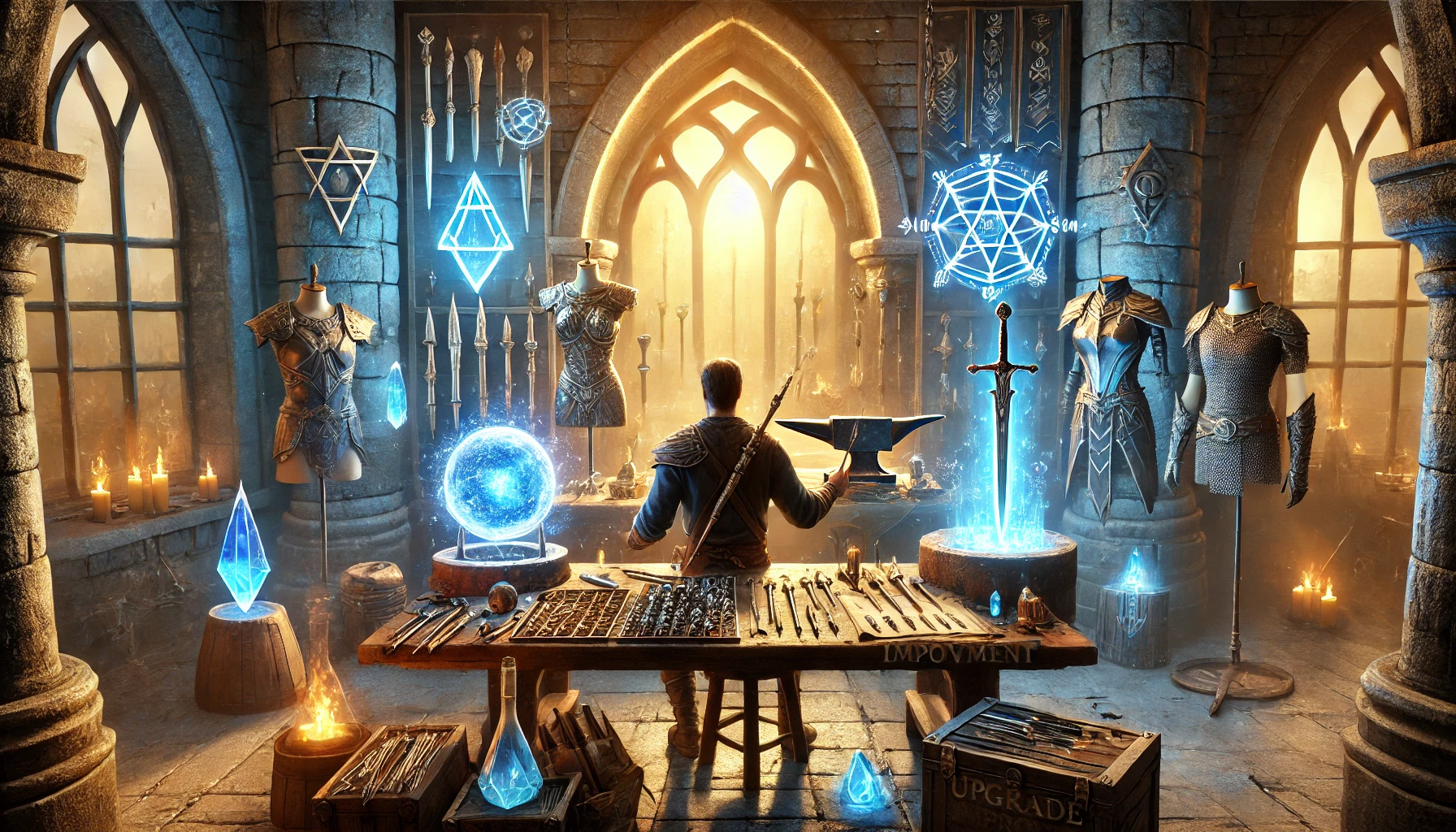
🪙 Step-by-Step: How to Upgrade Gear Quality
Every piece of armor or weapon in ESO has a quality level. The higher the quality, the better the stats.
You’ll need materials to upgrade:
- Green (Fine): Honing Stones / Hemming / Tanins
- Blue (Superior): Dwarven Oil / Embroidery / Alkahest
- Purple (Epic): Grain Solvent / Elegant Lining / Dreugh Wax
- Gold (Legendary): Tempering Alloy / Kuta / Rosin
How to do it:
- Go to a crafting station (Blacksmith, Clothing, or Woodworking).
- Select the “Improve” tab.
- Place the item you want to upgrade.
- Choose how many upgrade materials to use (more = higher success chance).
- Click Improve.
Pro Tip: Always use enough mats to get a 100% success chance—losing a legendary item on a 70% roll hurts.
🔮 Enchantments – Add More Power with Glyphs
Every weapon, armor, and jewelry piece can be enchanted. This gives you bonus stats like Max Magicka, Weapon Damage, or Health Recovery.
To enchant:
- Create glyphs with Runestones (Potency + Essence + Aspect).
- Or buy glyphs from guild traders.
- Apply the glyph directly to your gear by right-clicking and selecting “Enchant.”
What to use?
- Weapons: Flame, Poison, Absorb Stamina/Magicka
- Armor: Prismatic Defense, Max Health/Magicka/Stamina
- Jewelry: Weapon/Spell Damage, Recovery stats
⚙️ Traits – Small Tweaks, Big Impact
Traits are passive effects that influence how your gear performs. For example:
- Infused: Boosts enchantment power
- Divines: Boosts Mundus Stone effects
- Sharpened: Increases Penetration
To change a trait:
- Use a Transmutation Station (unlocked via CP 160+ and DLC or guild hall).
- You’ll need 50 Transmute Crystals and have to know the trait on that item type.
Or craft new gear with the desired trait if you have the style + trait learned.
🧩 Gear Reconstruction – Saved by the Sticker Book
If you’ve ever looted a set piece and later destroyed it—don’t worry. The Armory system lets you reconstruct any gear you’ve collected (added to the sticker book), even if you don’t own it anymore.
To reconstruct:
- Visit a Transmutation Station.
- Go to “Reconstruct.”
- Pick the gear piece.
- Choose quality and trait.
- Pay with Transmute Crystals + mats.
This feature is a lifesaver for gear hoarders or players switching builds often.
🧠 What to Upgrade First?
Don’t waste your rare mats on the wrong pieces. Prioritize:
- Weapons – especially your main hand
- Chest & Legs – these give more armor value
- Jewelry – for DPS sets, start with Necklace
- Rest of the armor – once you’re sure it’s BiS
If you're not at CP160 yet, avoid upgrading gear—stats will scale once you hit that level. Stick to cheap glyphs and starter sets until then.
💡 How BoostRoom Can Help
Let’s be real—ESO gear farming can get grindy. Whether it’s farming dungeons for traits, collecting transmute crystals, or crafting mats… it takes time. If you want to skip the boring part and jump straight into content with upgraded gear, BoostRoom has your back.
We offer:
- Full set farming
- Gear upgrade materials
- Trait unlocking
- CP160+ optimized gear kits
Save your time and let us help you build a strong loadout, fast.
📌 Frequently Asked Questions
Do I need to upgrade gear before hitting CP160?
No. Gear under CP160 will become outdated fast. Just use whatever works and save your mats for CP160+ items.
Where can I find upgrade materials?
From deconstructing gear, refining raw mats, daily writs, or guild traders.
What are Transmute Crystals and how do I get them?
They’re used at Transmutation Stations to change traits or reconstruct gear. Earn them from daily random dungeons, PvP, and some quests.
Should I always upgrade gear to gold?
Not always. Gold upgrades are expensive. Purple is usually good enough unless you're doing high-end content or PvP.
Can I enchant gear more than once?
Yes, you can overwrite enchantments anytime with a new glyph.
🎯 Final Thoughts – Upgrade Smart, Play Hard
Upgrading and improving your gear in ESO is one of the best ways to increase your overall performance—without needing new builds or skills. Whether you're a PvE grinder, PvP brawler, or just exploring zones, well-upgraded gear makes the game smoother and more fun.
Start by enhancing the gear you already have. When you're ready to go big, gear up faster with BoostRoom. And if you want to explore even more options and sets, check out the full list on the ESO Fandom wiki.



